

< img height="1" width="1" style="display:none"src="https://www.facebook.com/tr?id=1198036038170249&ev=PageView&noscript=1"/>
40% off

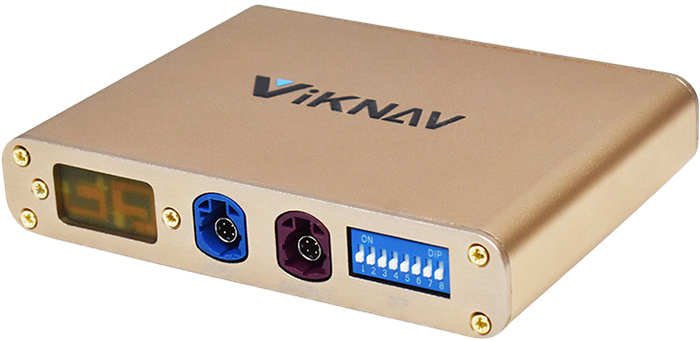
Viknav Linux Interface Box for Lexus GS 2007 -2020 Wireless CarPlay Decoder Android Auto GPS Navigatipn Original Car Radio Screen

Item No. GS-Box-N In Stock.

Latest price: US$598.33
Buy Now: US$359.00 40% off
Shipping:
Free Shipping Express Shipping ServiceEstimated delivery time: 5-7 workdays.See details »
Weight:
1.0KG     ( 2.2LB )
Package:
27cm*20cm*17cm     ( Inch: 10.63*7.87*6.69 )
Returns:
Return for refund within 30 days,buyer pays return shipping. Read details »

Product Description

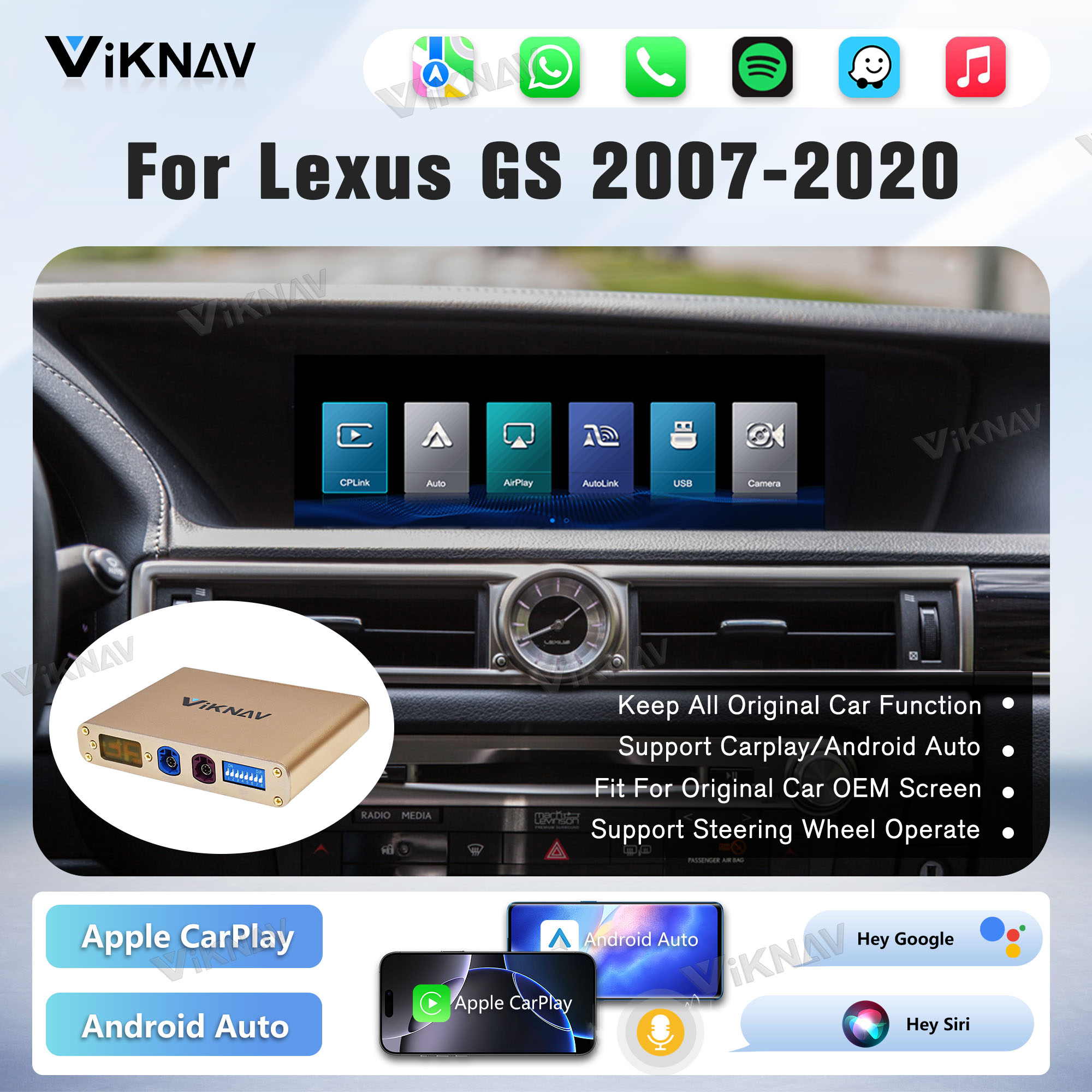
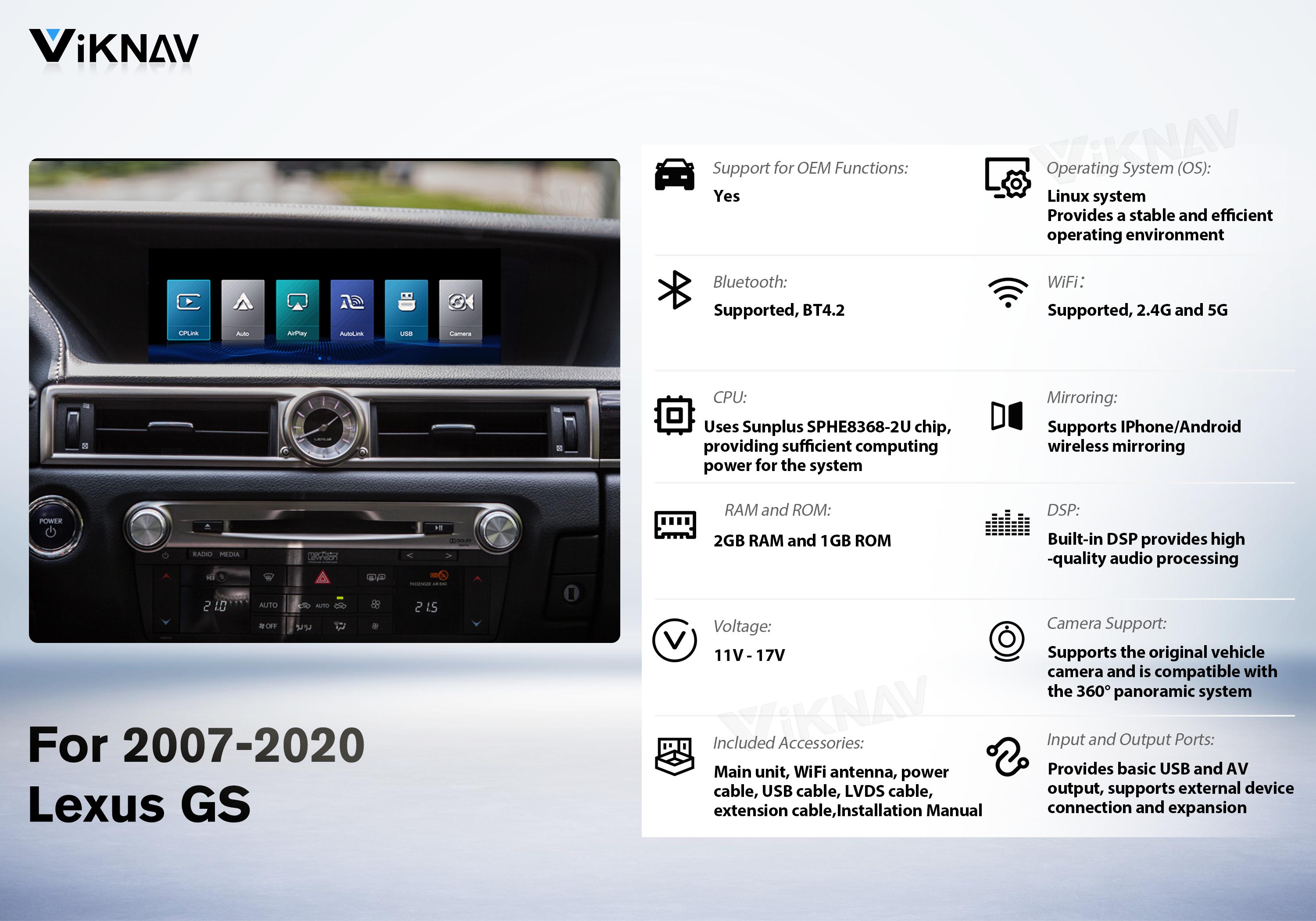
✅This Linux Interface Box is compatible with models from 2007-2020 Lexus GS.

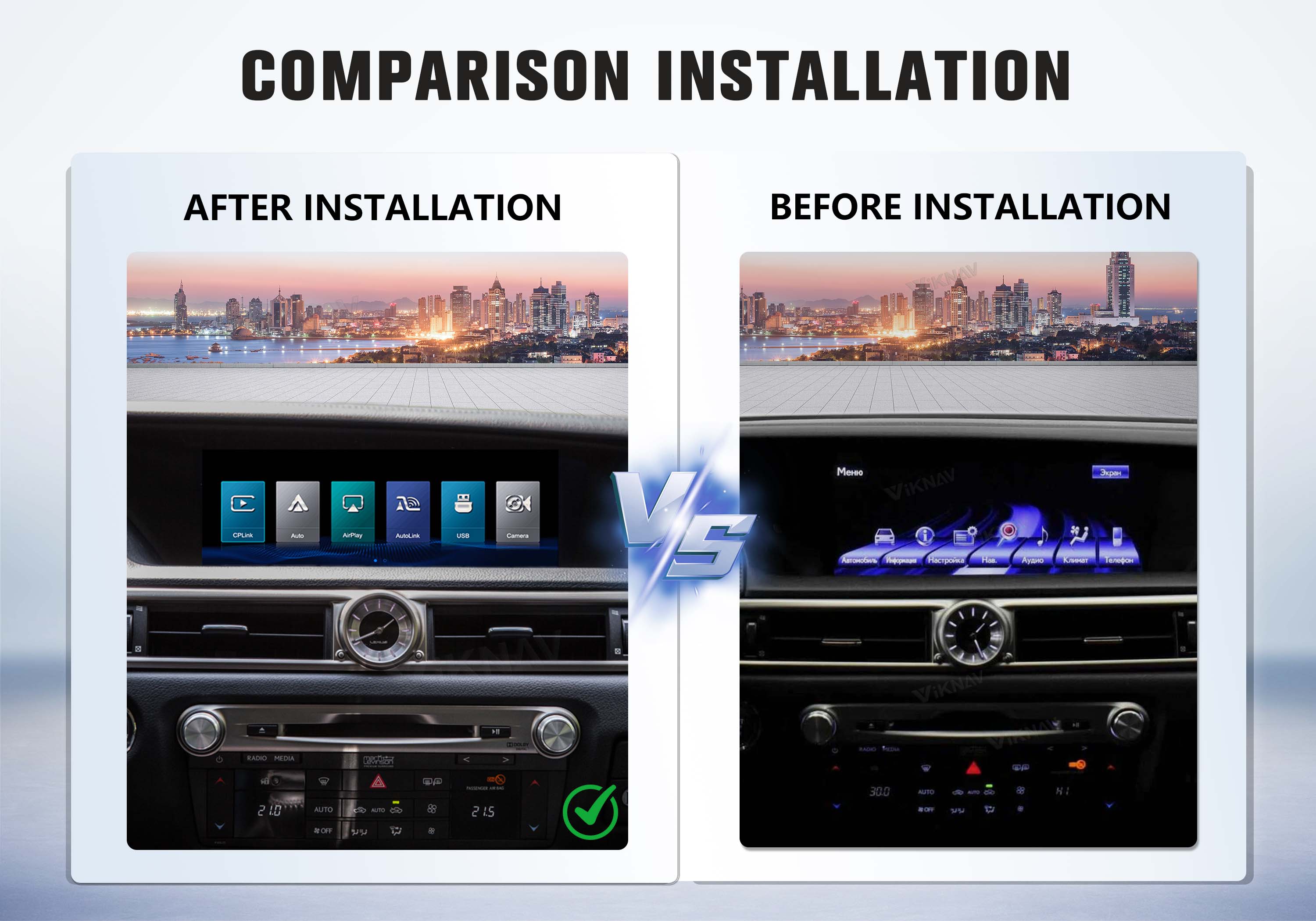
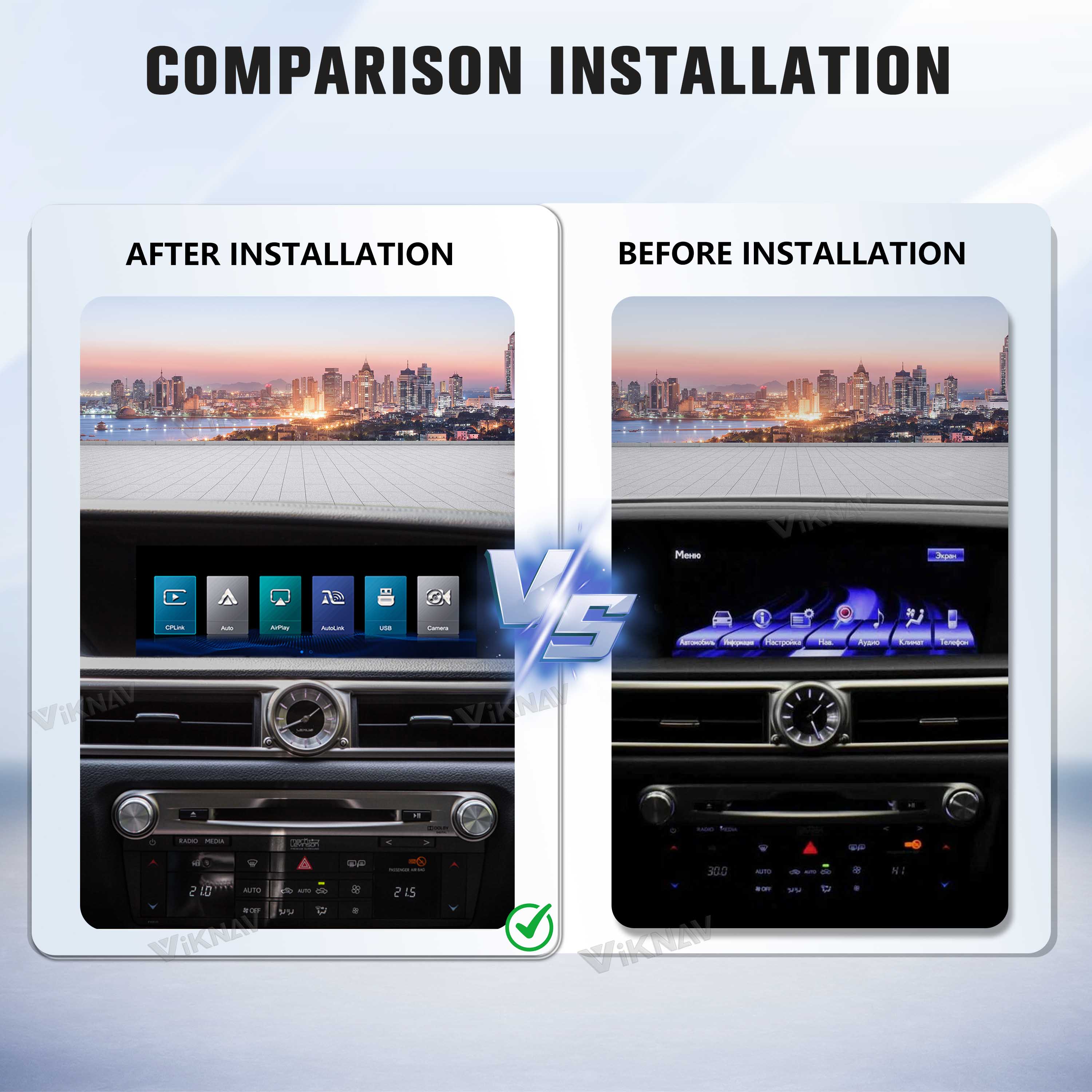
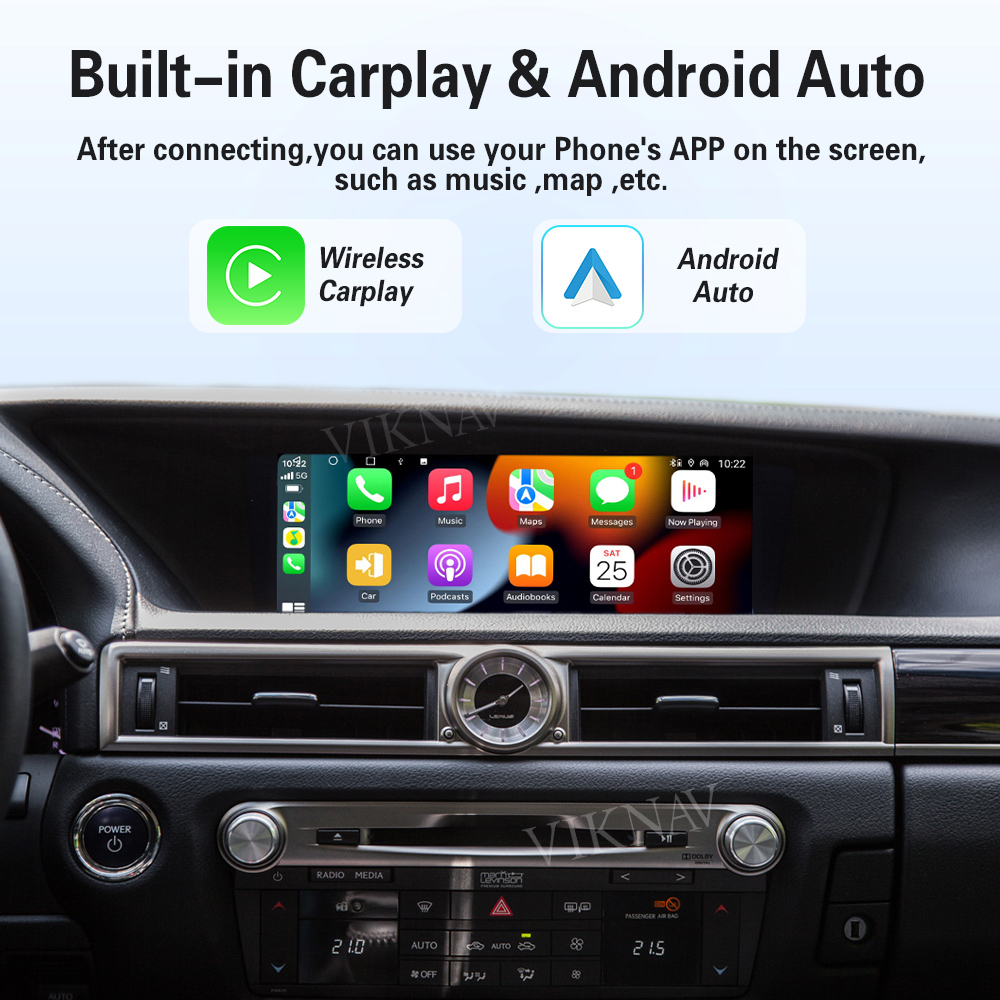
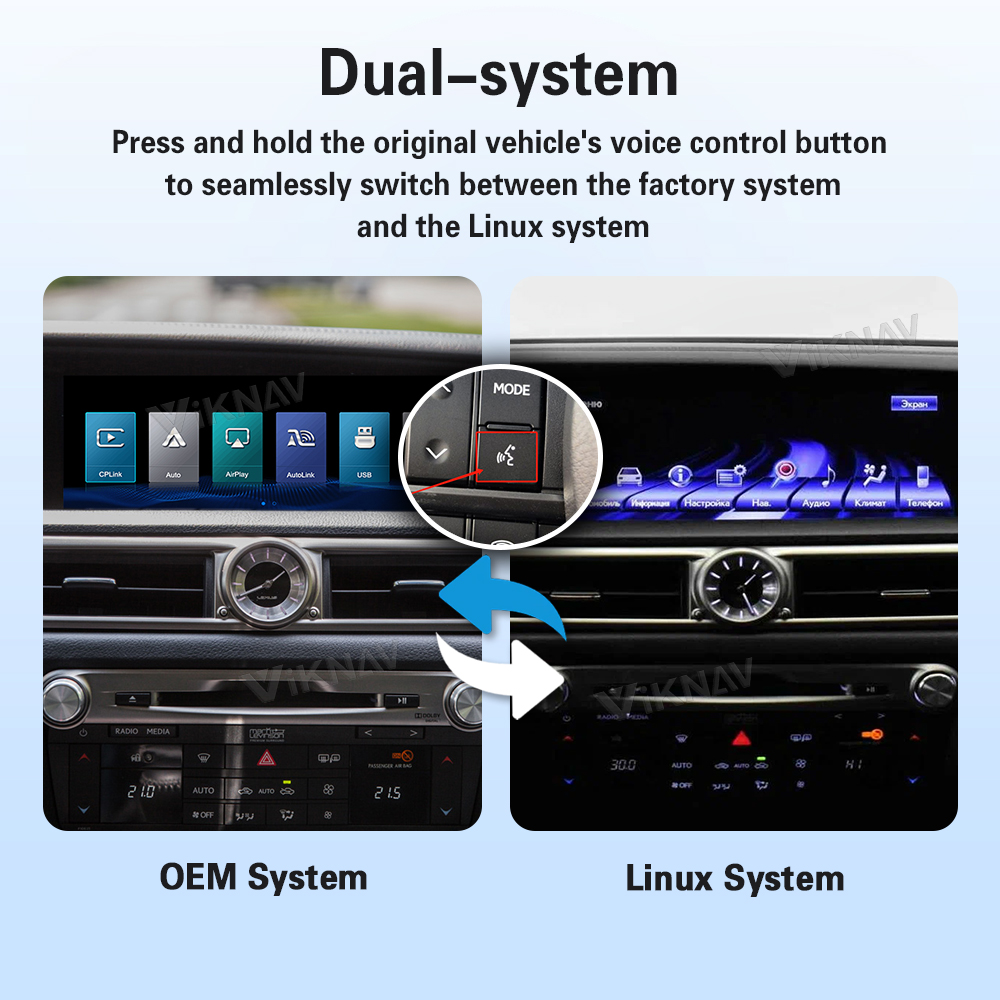
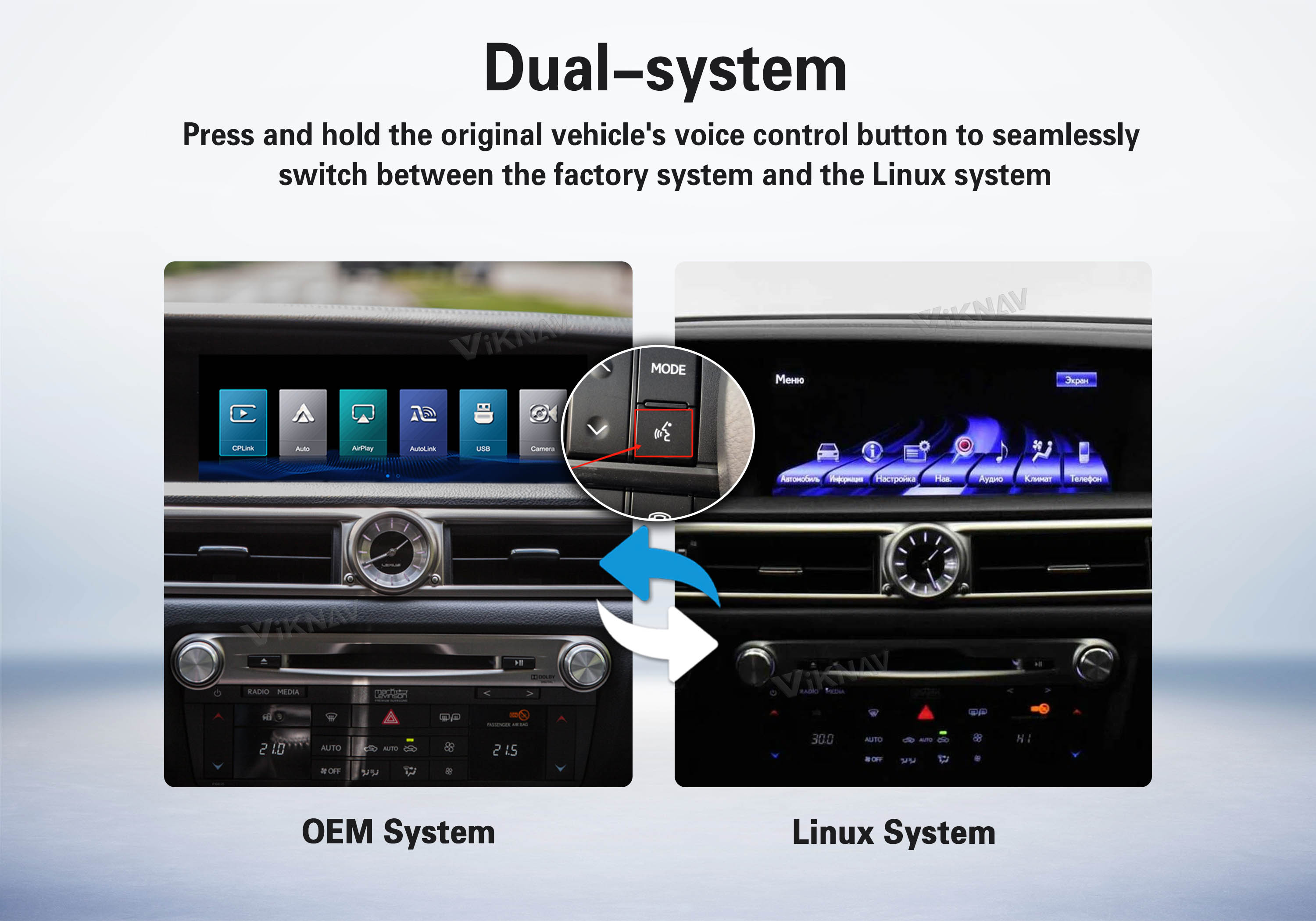
✅Switch between OEM and Linux with a long press — enjoy CarPlay, Android Auto, and all original features seamlessly.

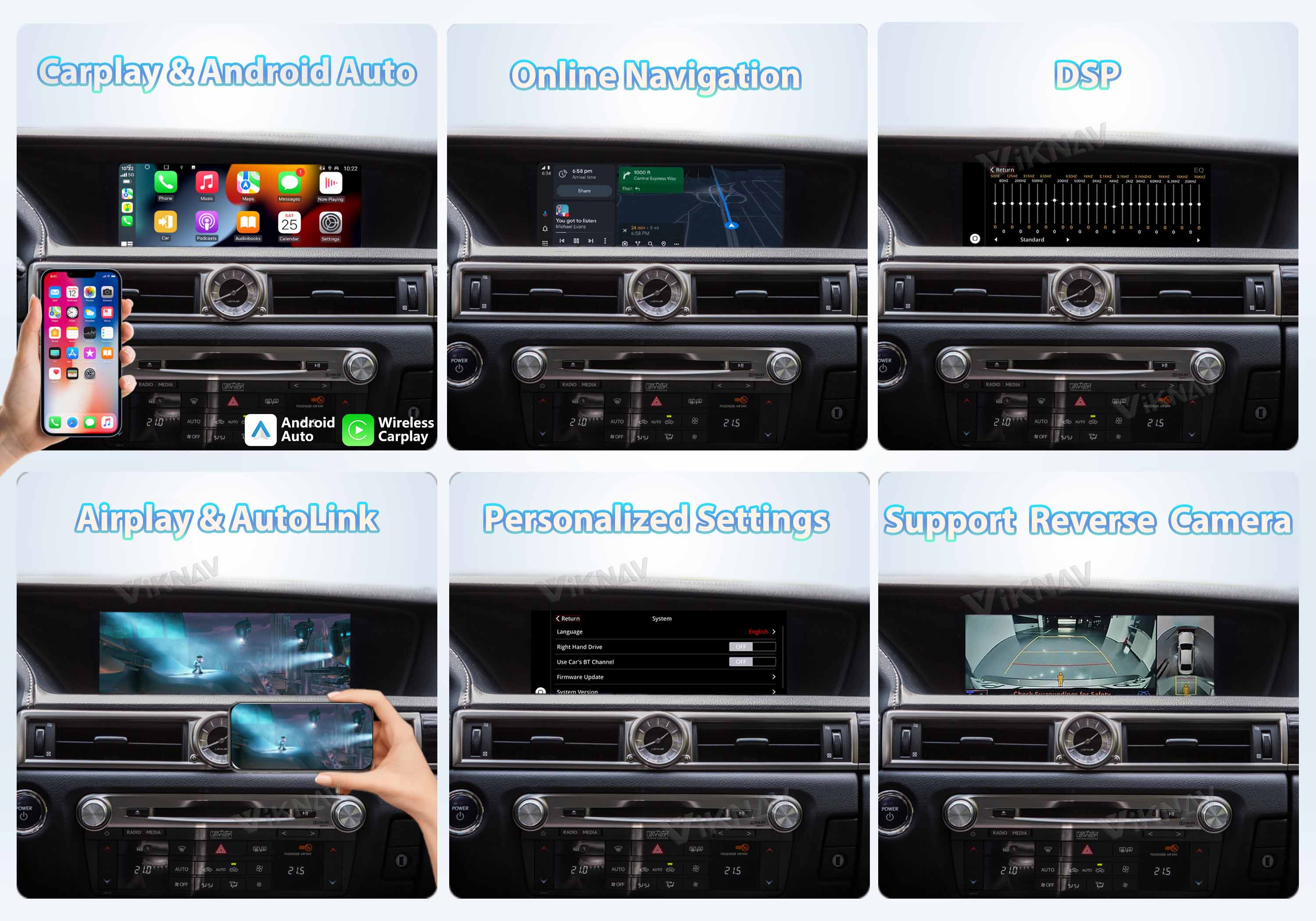
✅Retains your factory multimedia system while adding wireless CarPlay, Android Auto, GPS, and screen mirroring.

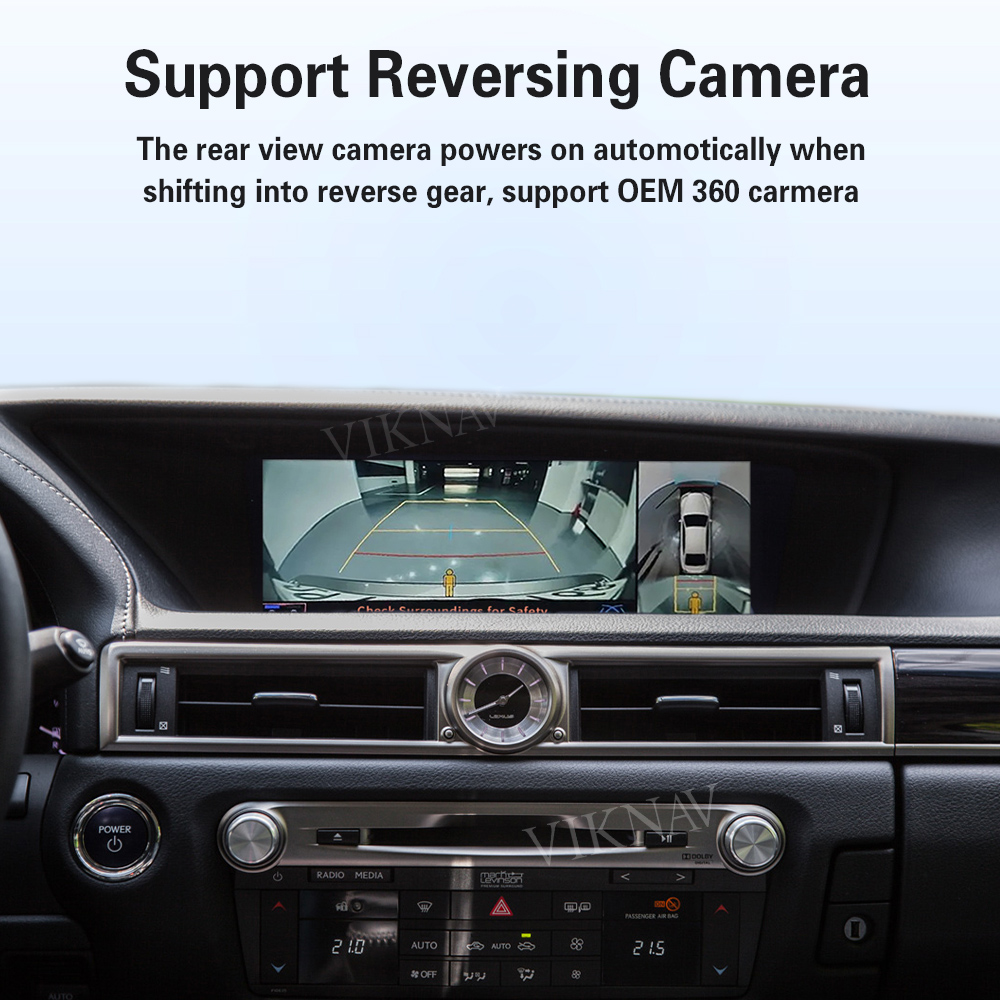
✅Fully compatible with steering wheel buttons, control levers, rear camera, and all factory features.

✅Choose AUX or Bluetooth as the audio source — the Linux system sound plays through your car’s original connection.


Compatible Models.

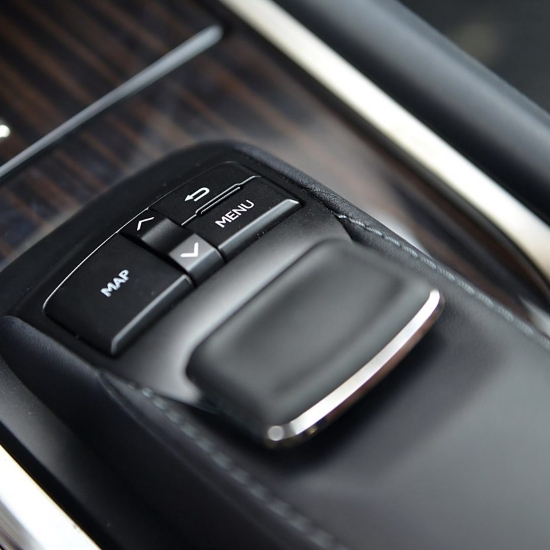
Lexus GS 2007–2008 • Lexus GS 2009–2011 • Lexus GS 2012–2020(Mouse Joystick)

User Manual

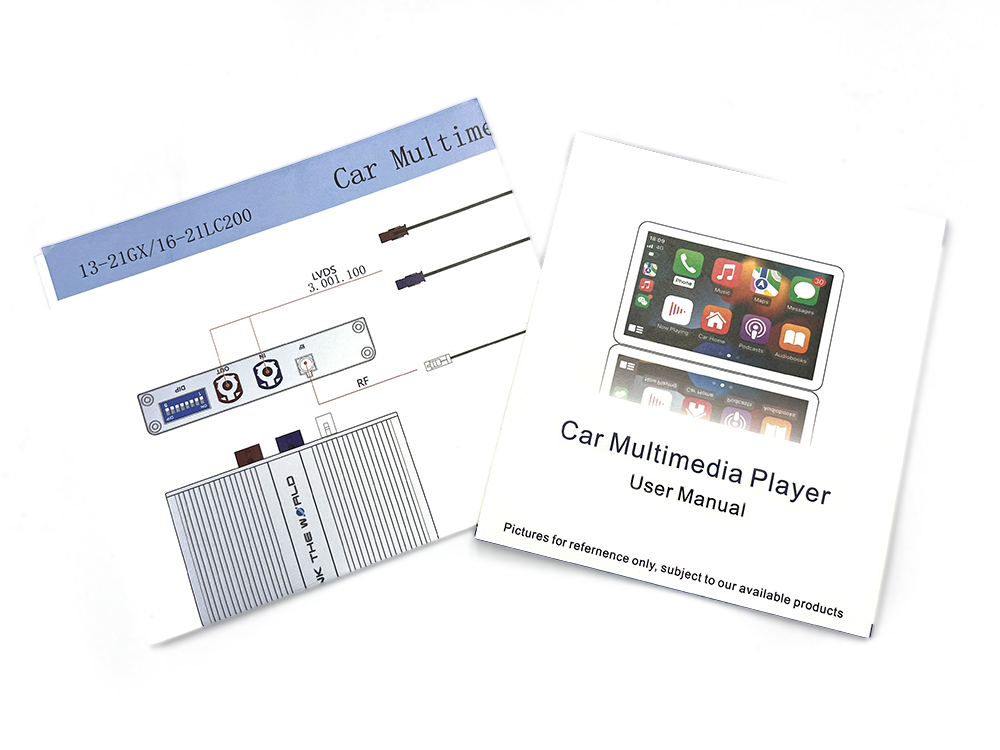
Printed Wiring Diagram & User Manual

Every package includes a detailed printed wiring diagram and user manual. Whether you're installing the interface for the first time or making adjustments, our technical support team is always available to assist you at any time.

WhatsApp Click to Contact US


Long Press VOICE Button Switch
OEM System to Linux System.

The VIKNAV Interface brings CarPlay and Android Auto to your car’s display
while keeping all original features fully functional — use your AC,
radio, and more from the factory system as usual


More Features.

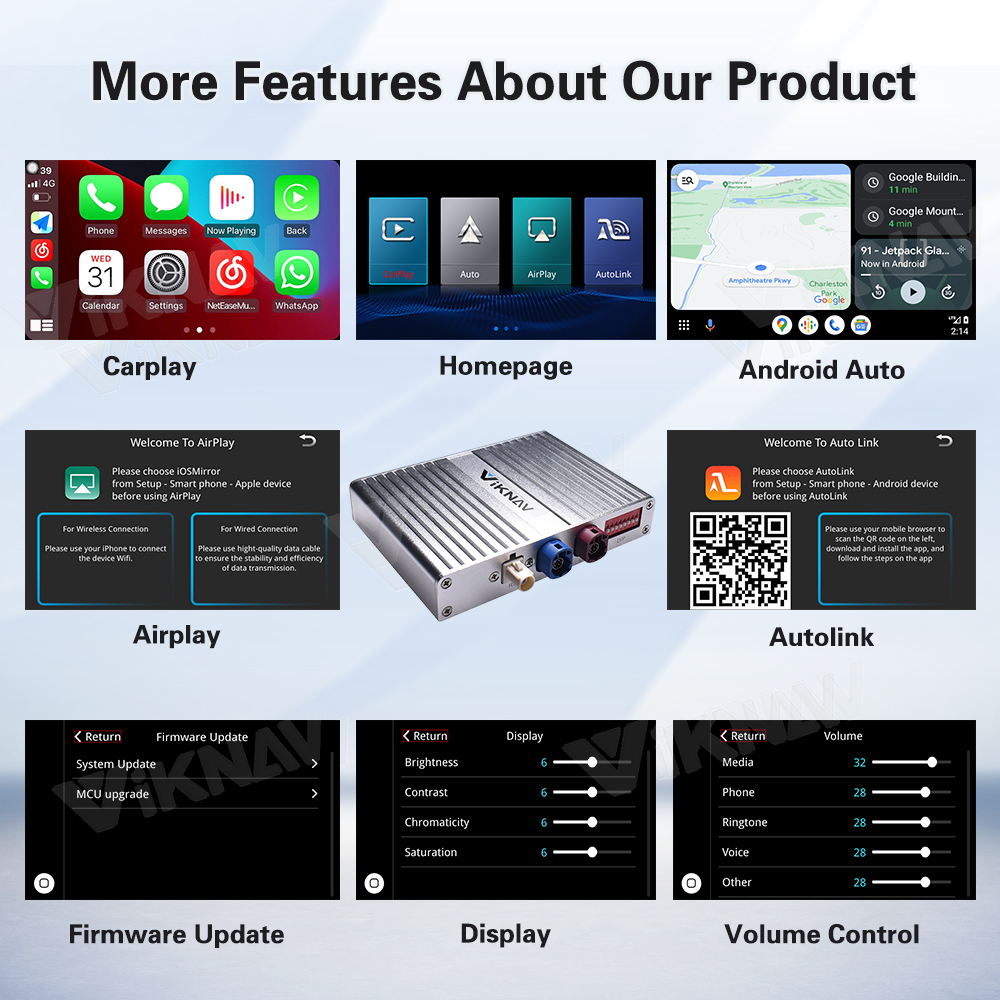
This Linux Interface Box retains your car’s original multimedia system
and adds powerful new features like wireless Apple CarPlay, Android Auto,
GPS navigation, and mobile Screen mirroring.


Support Original Car
Button Control.

Supports original vehicle control levers and buttons,supports steering wheel control,
rear-view camera, and all original car functions.


Mouse Joystick

Mouse Joystick

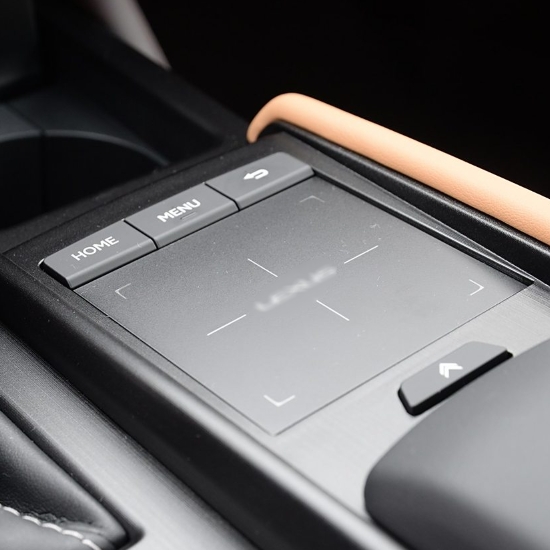
Trackpad

Trackpad

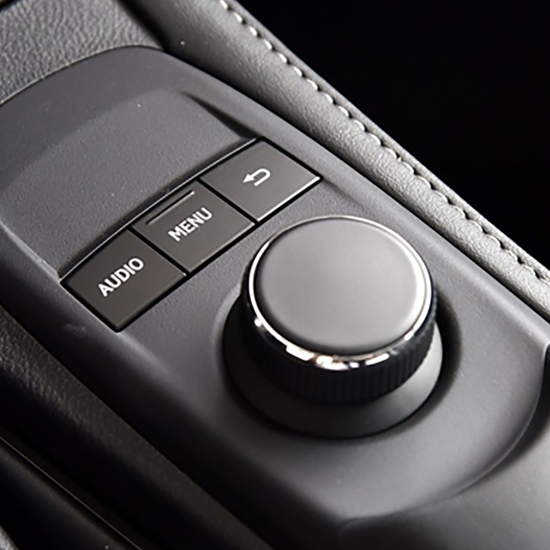
Rotary knob

Rotary knob


How to Set Audio.

There are two ways to set the audio source for the Linux system: AUX or Bluetooth.

The sound from the Linux system is transmitted through
your car’s original AUX or Bluetooth connection.

1. Set AUX as Audio Source

Switch the original car system to AUX, then return to the Linux system. Audio will output through the vehicle’s built-in AUX channel.
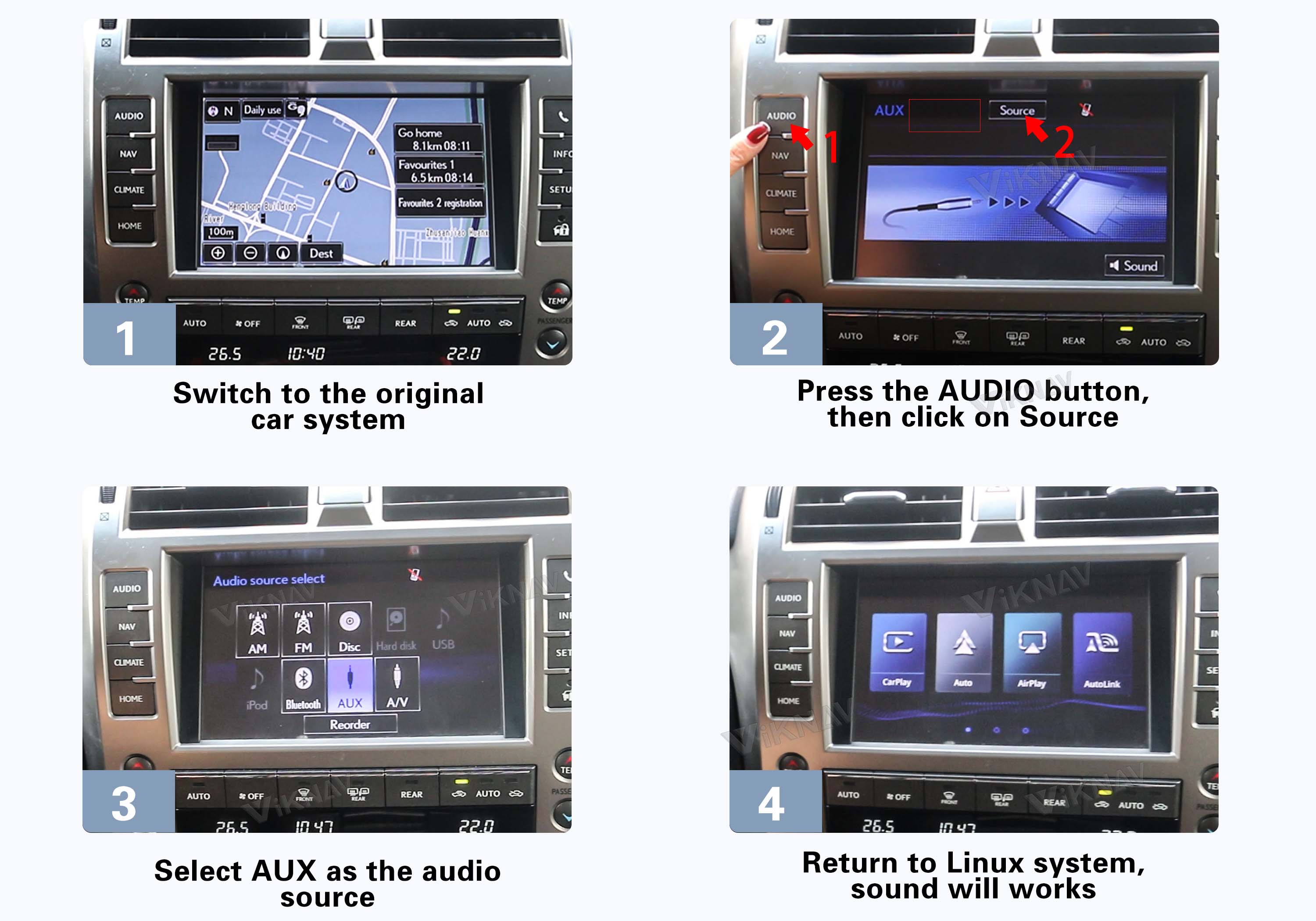
⚠️ Tip: If there is no sound, delete your phone’s Bluetooth record from the factory system. Do not keep your phone paired with the factory Bluetooth.
AUX Setup

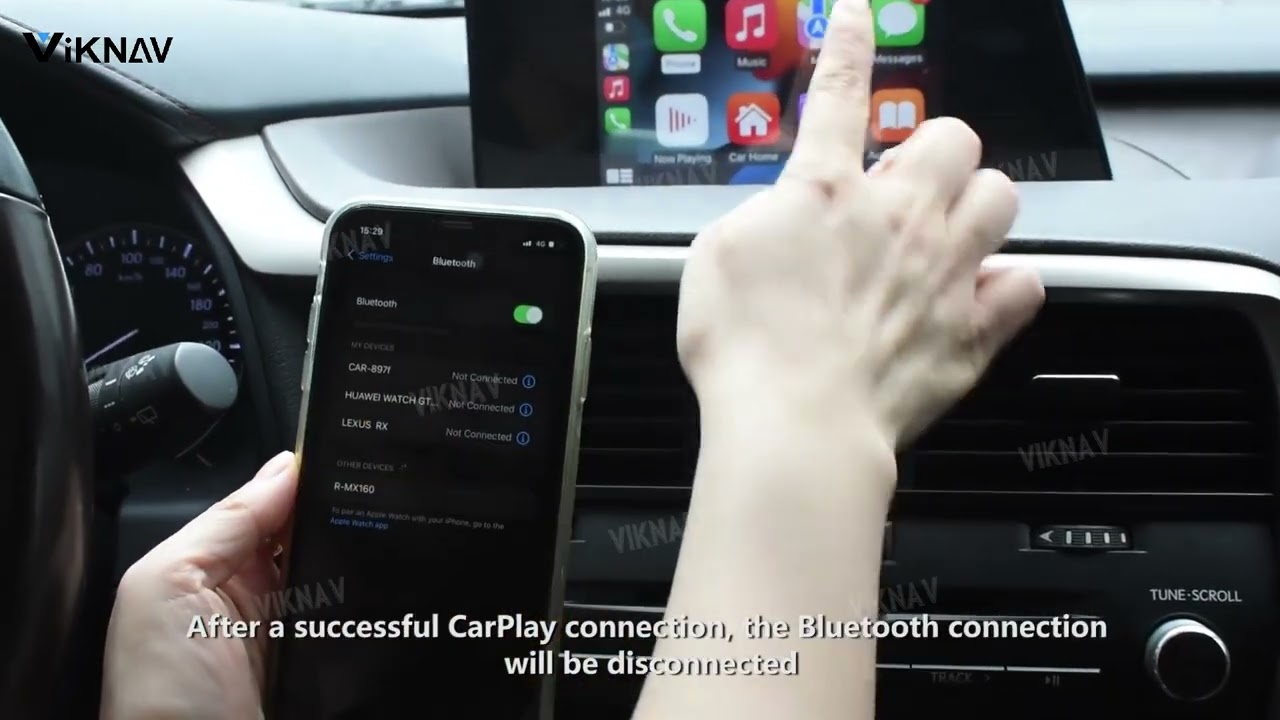
2. Set Bluetooth as Audio Source

Learn how to set Bluetooth as the audio channel so the Linux system sends sound through the car’s original Bluetooth audio.

Click the video on the right to follow the setup guide.
Video Thumbnail
 
 
Click to watch how to set Bluetooth as the audio source.


phone

Viknav Interface is compatible with these models.