


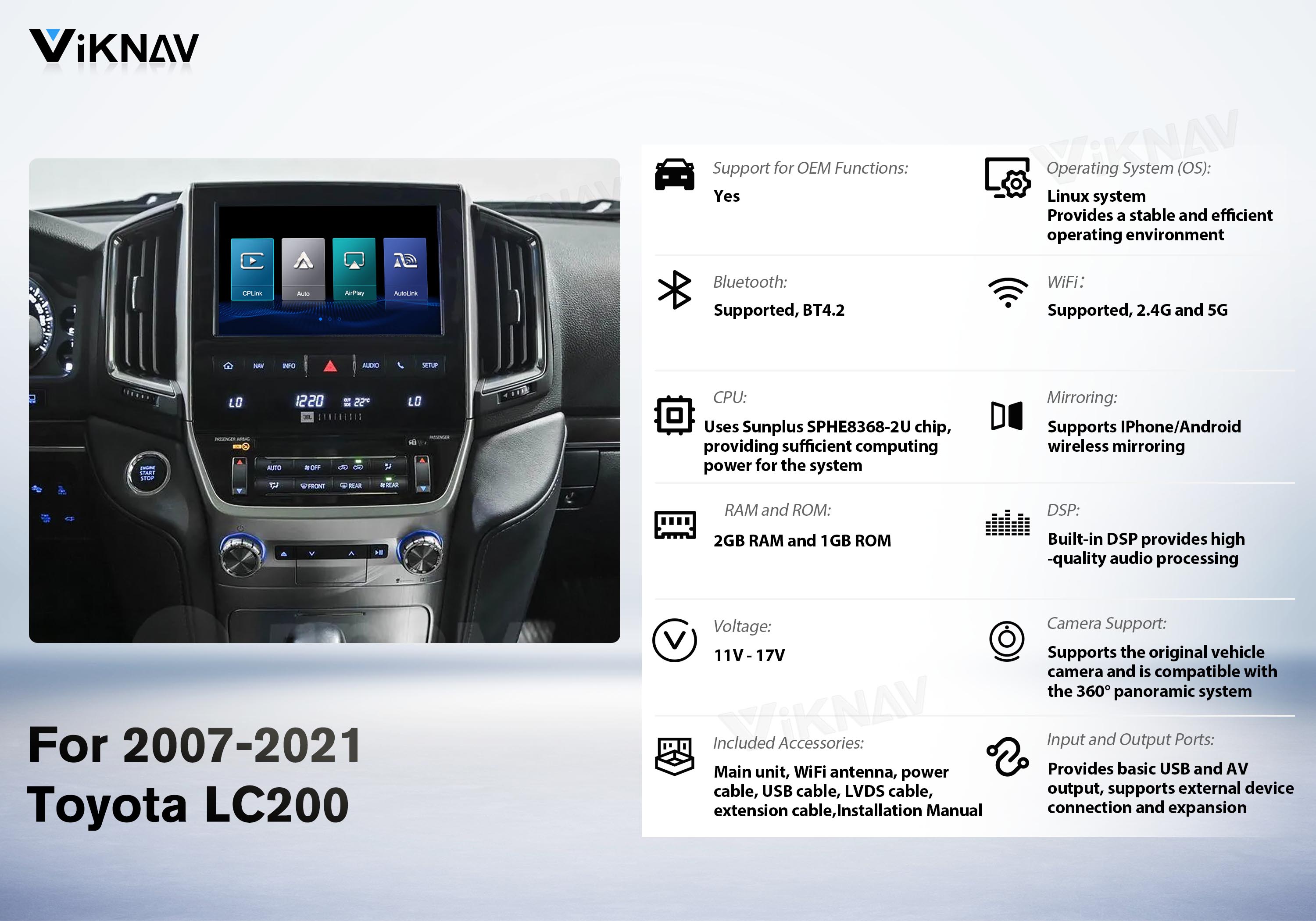
Toyota LC200 2007-2008 • Toyota LC200 2009–2011 •Toyota LC200 2012–2015 • Toyota LC200 2016–2021
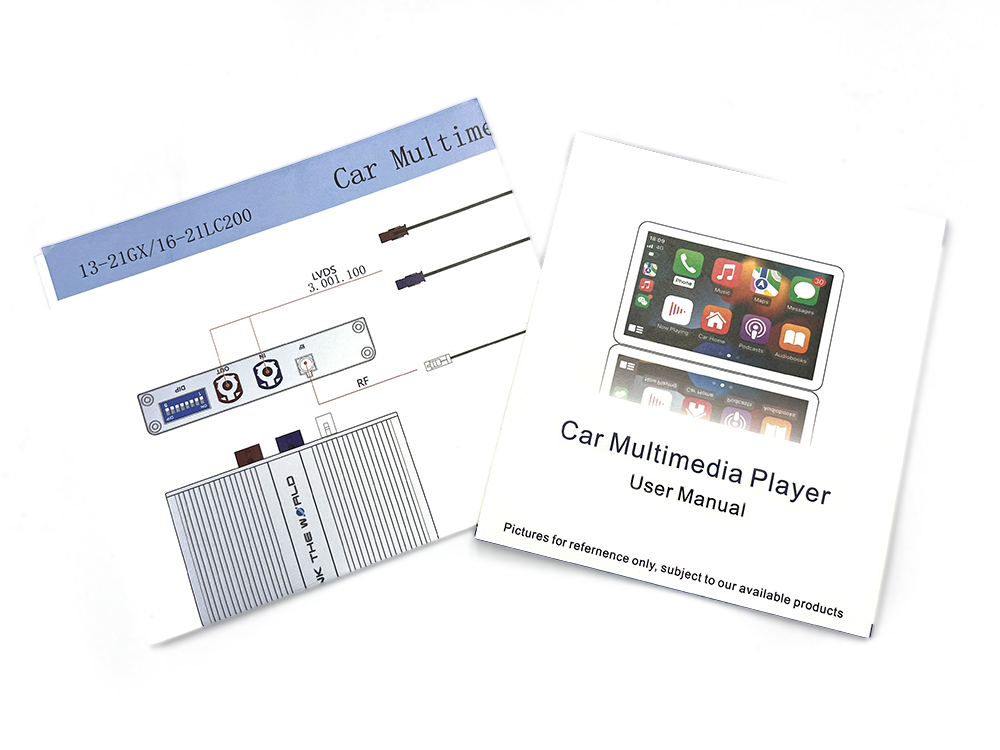
Every package includes a detailed printed wiring diagram and user manual. Whether you're installing the interface for the first time or making adjustments, our technical support team is always available to assist you at any time.
 Click to Contact US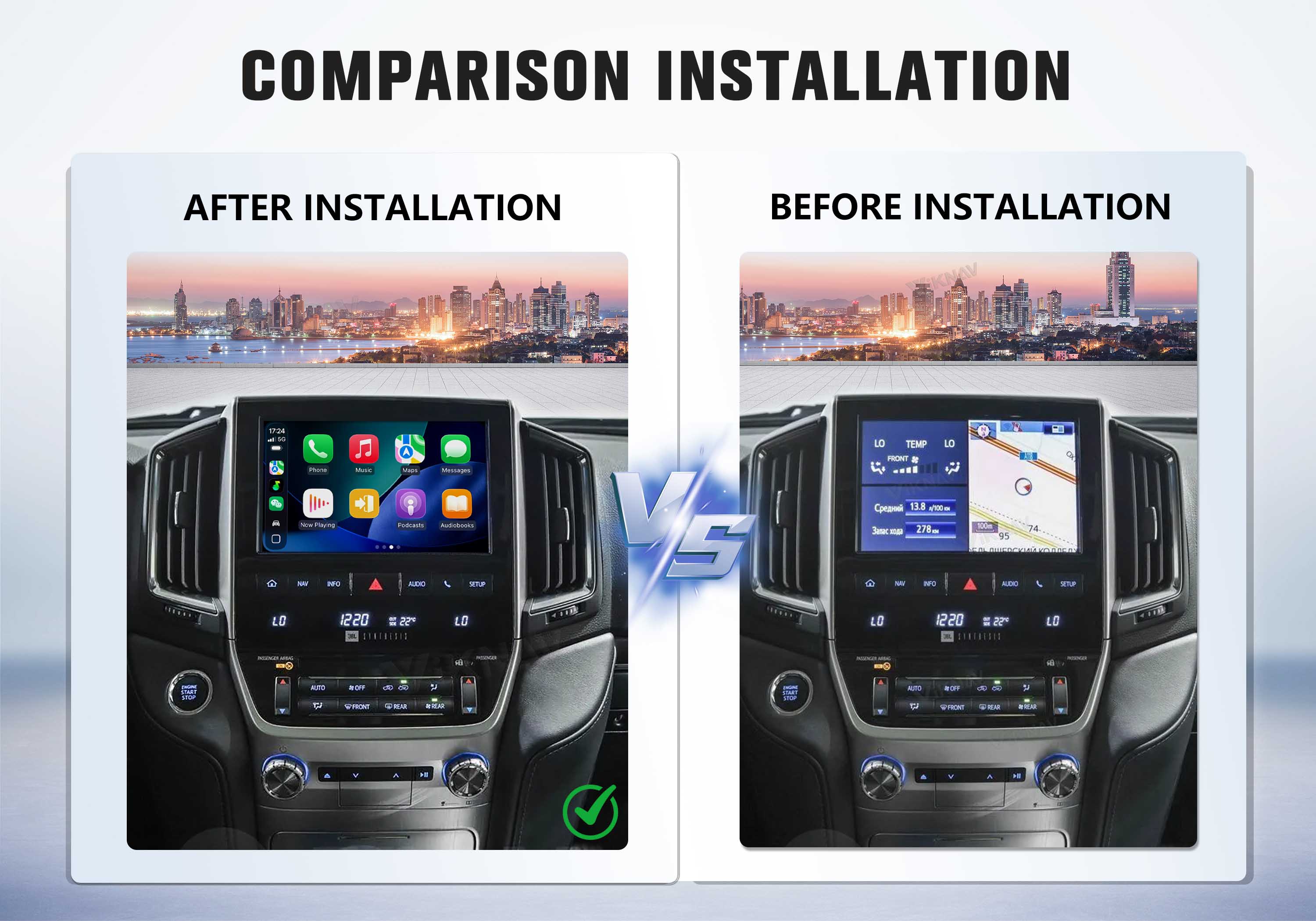
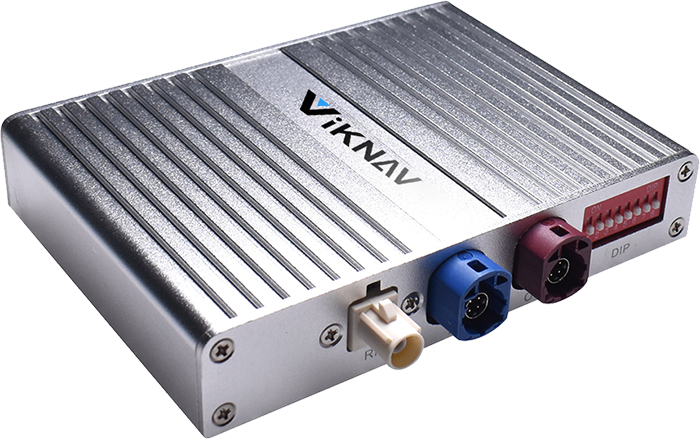
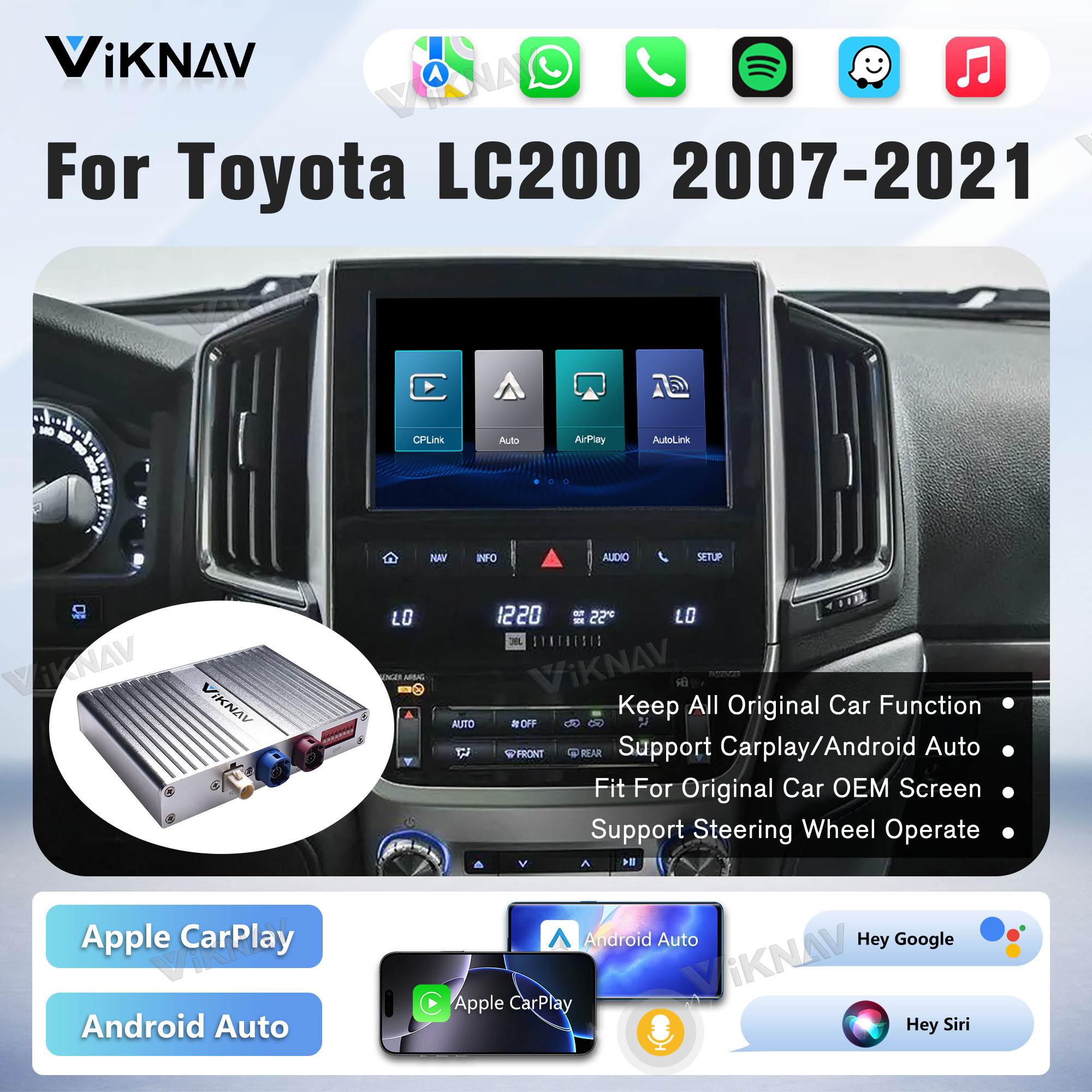
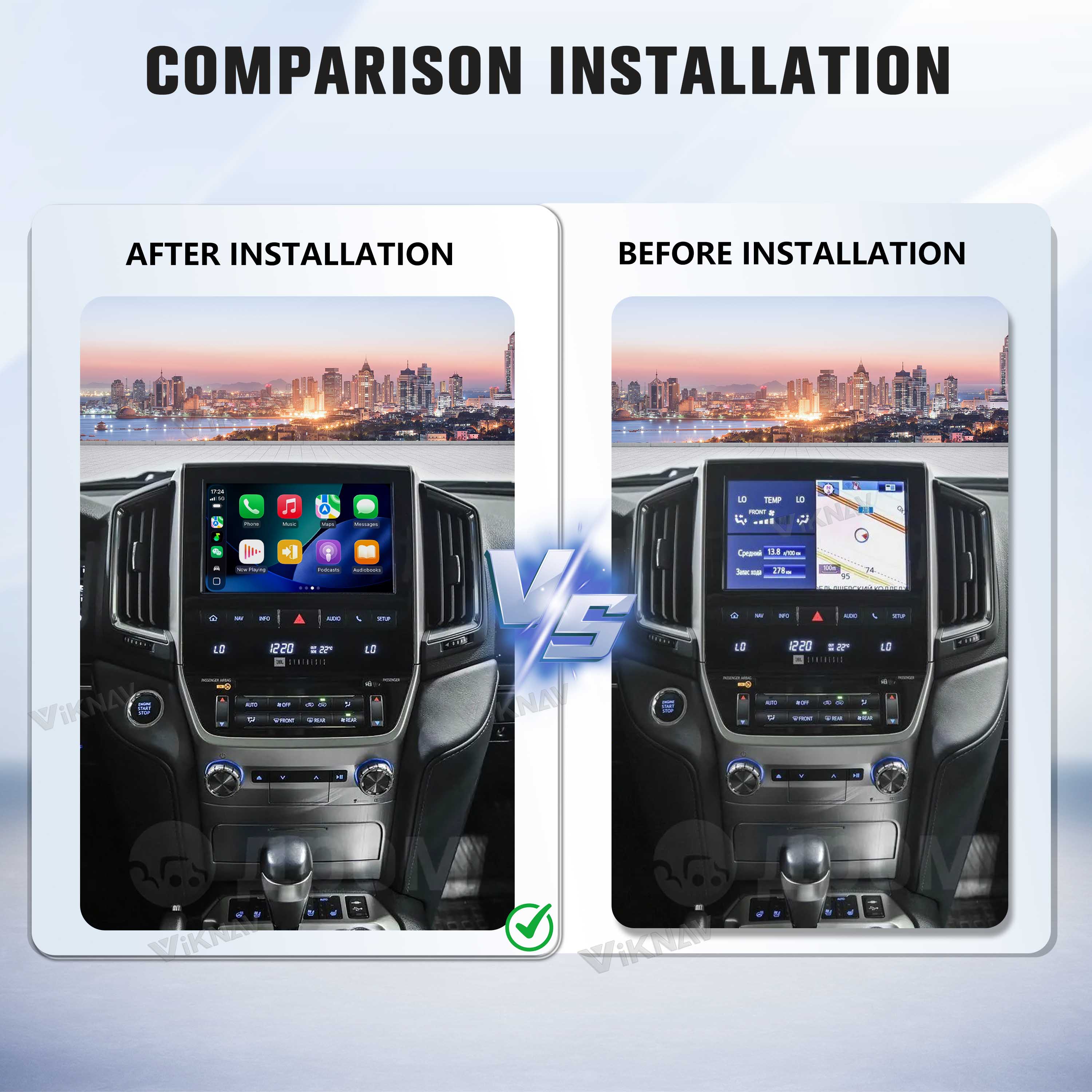
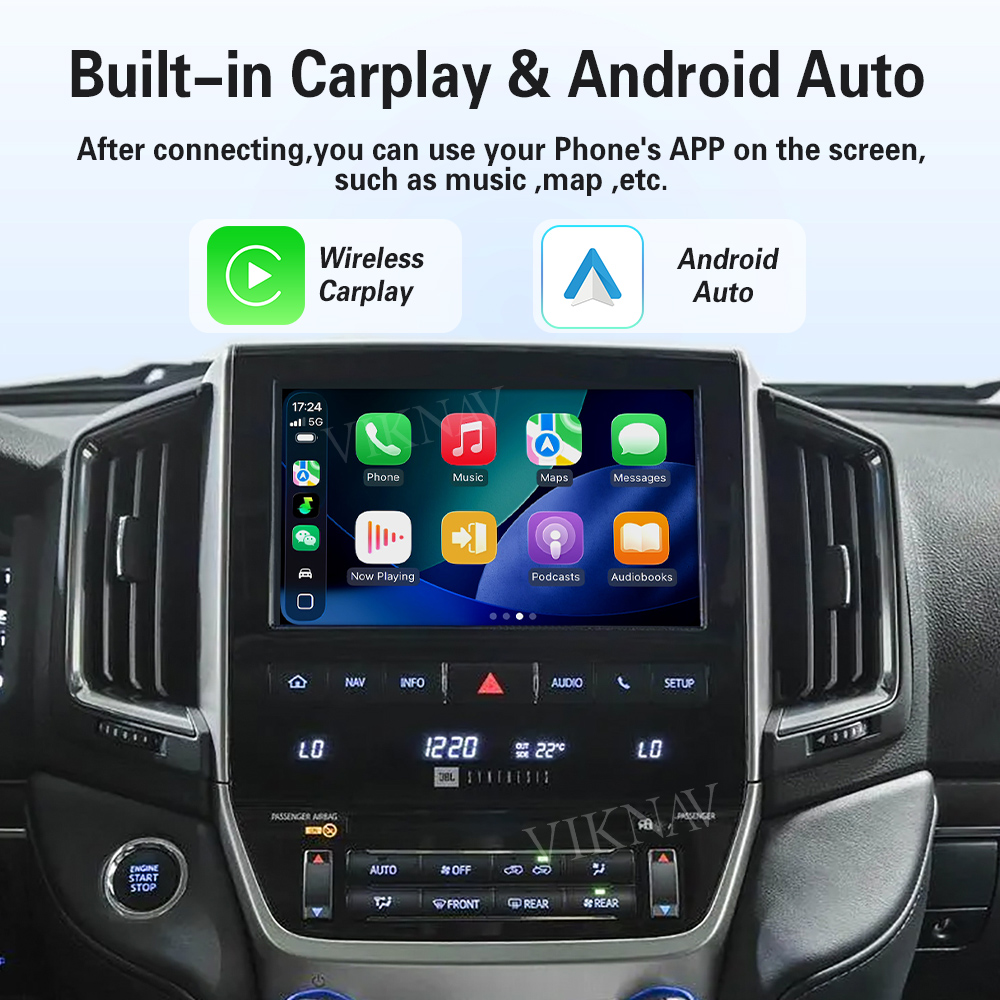
The VIKNAV Interface brings CarPlay and Android Auto to your car’s display
while keeping all original features fully functional — use your AC,
radio, and more from the factory system as usual
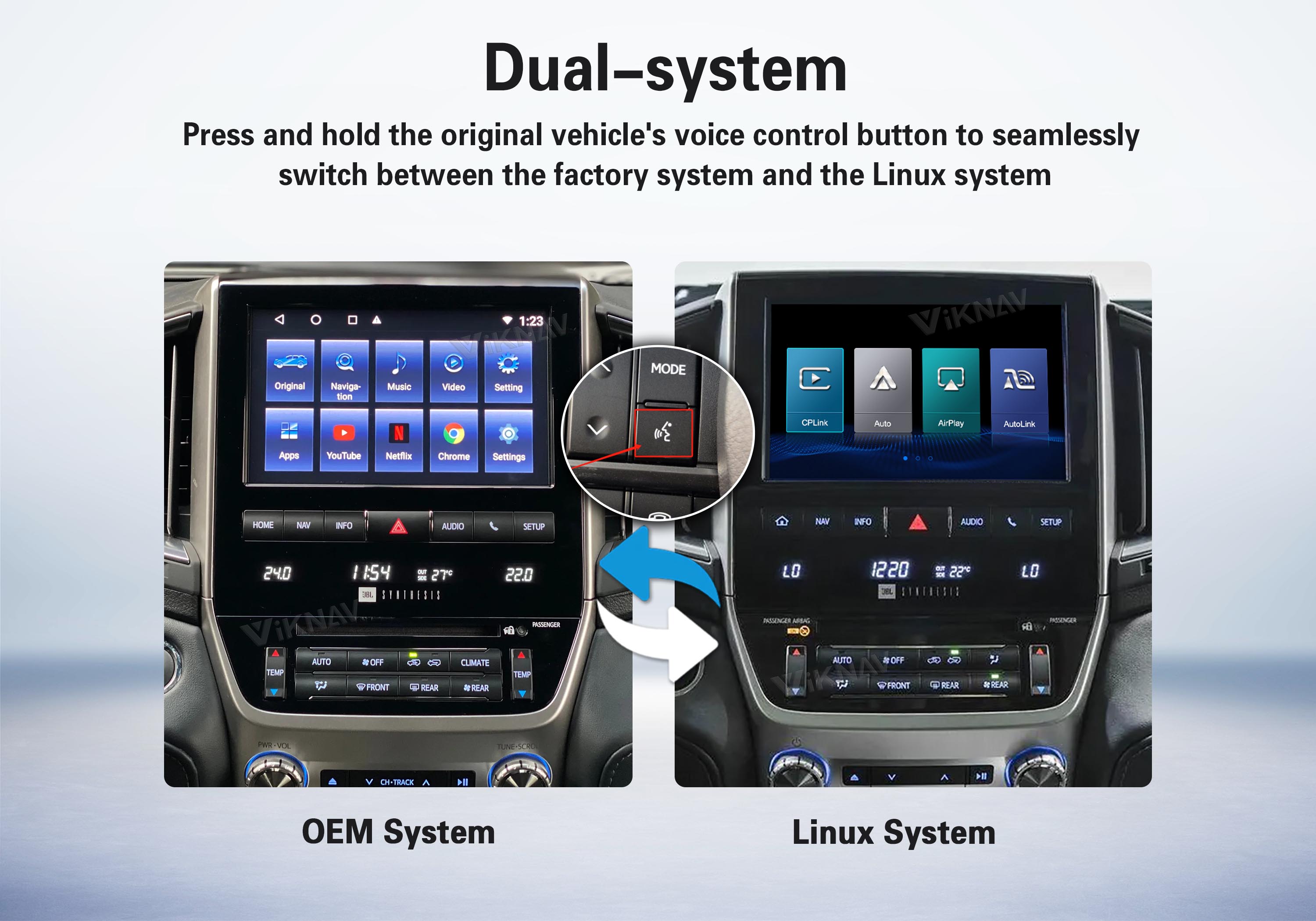
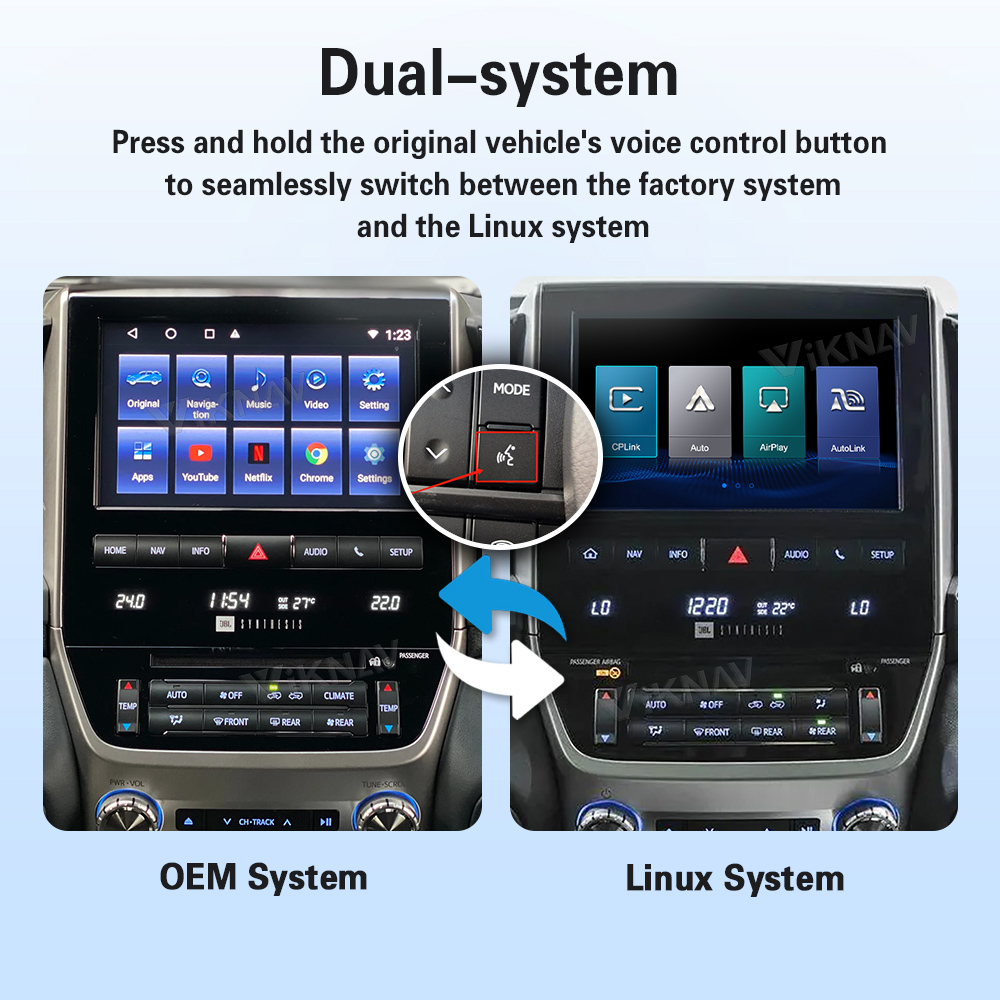
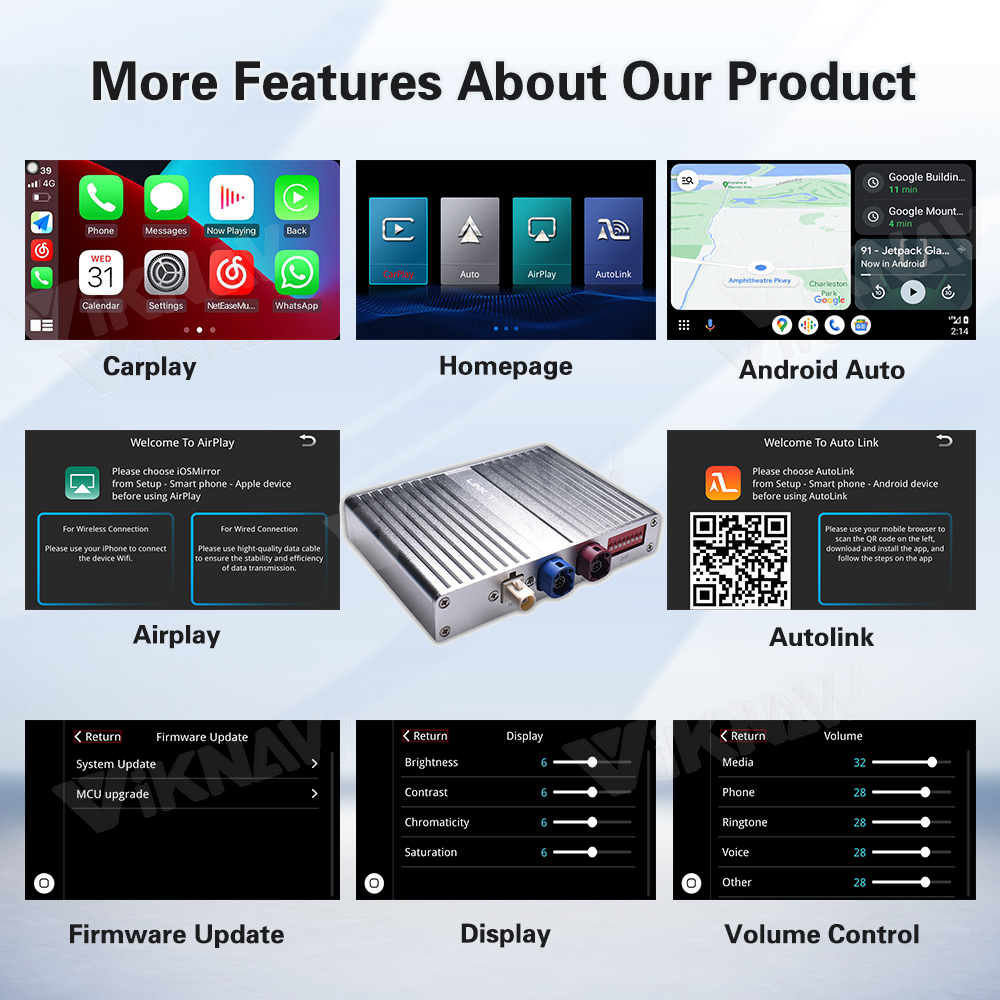
This Linux Interface Box retains your car’s original multimedia system
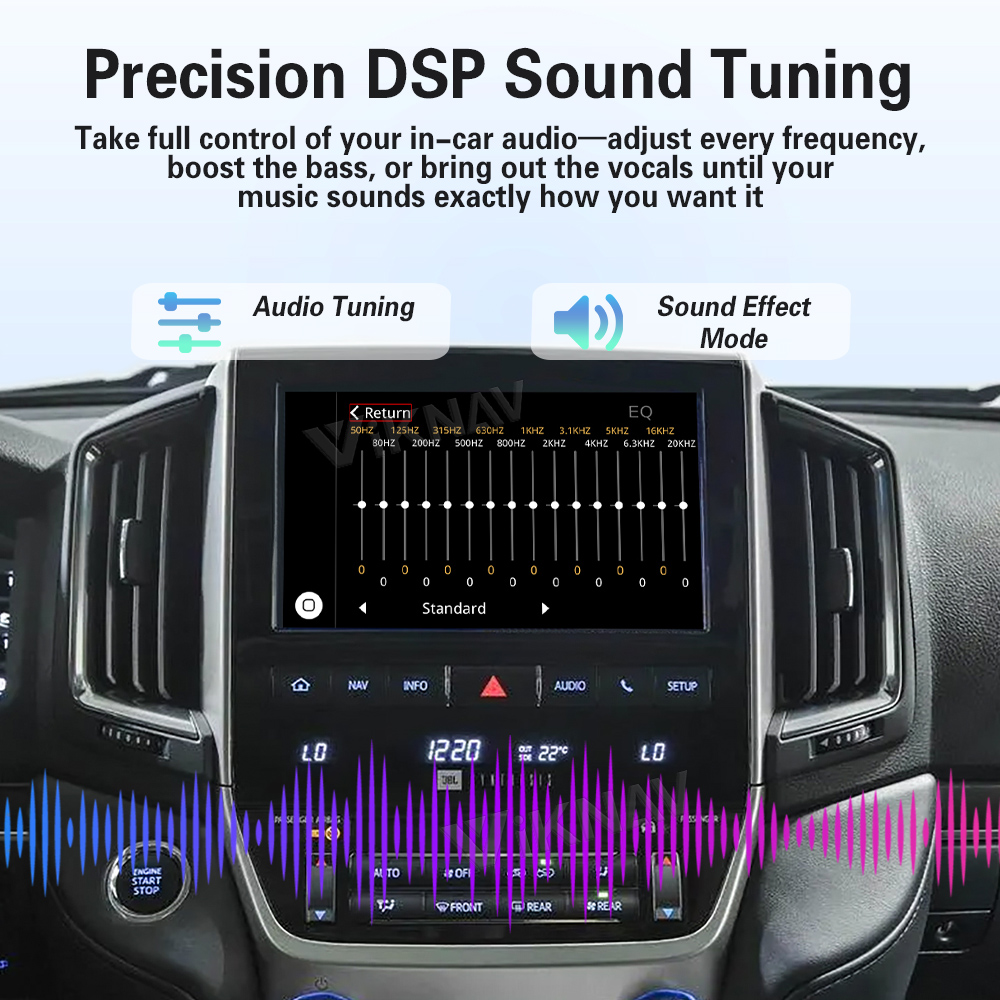
and adds powerful new features like wireless Apple CarPlay, Android Auto,
GPS navigation, and mobile Screen mirroring.
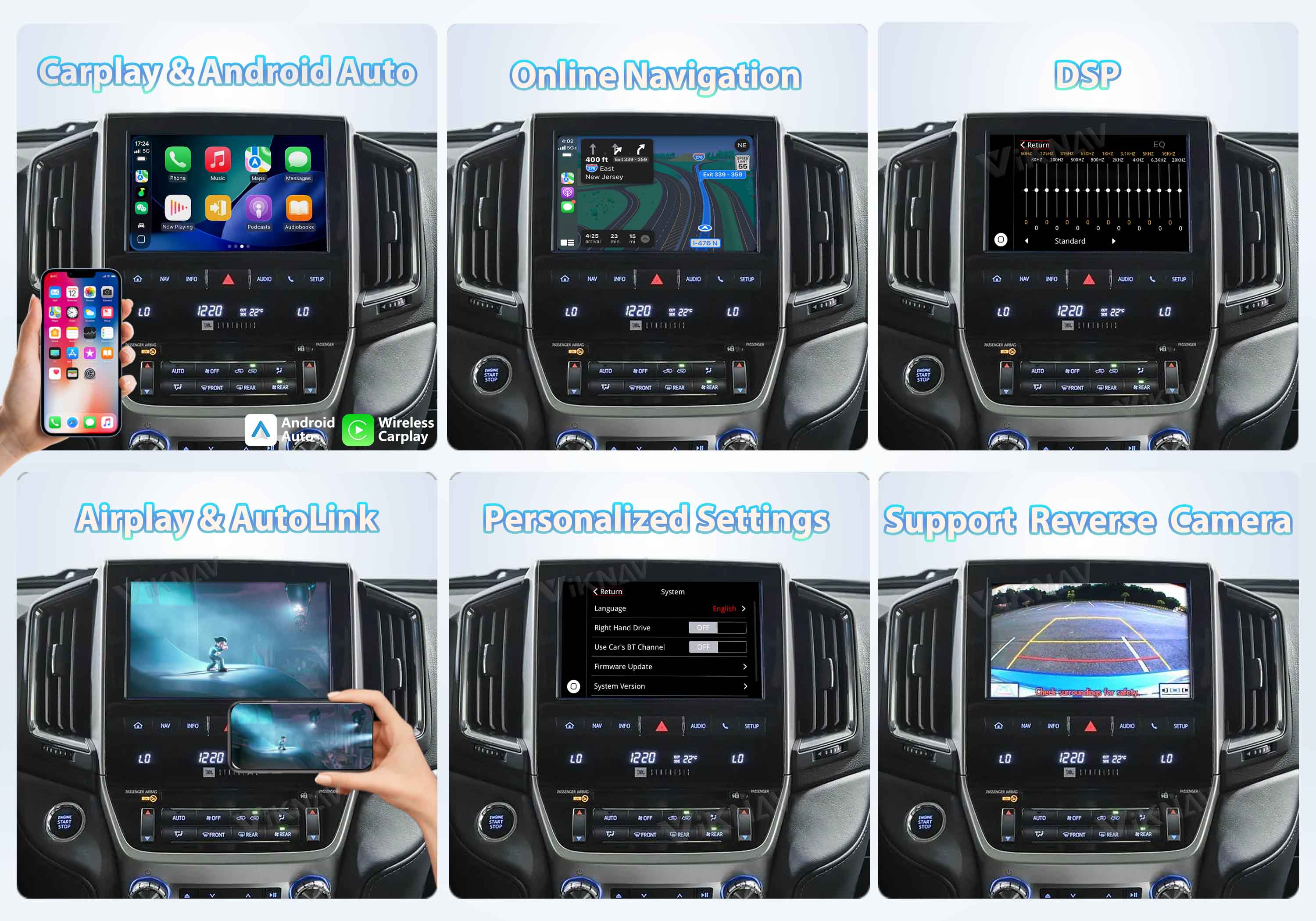
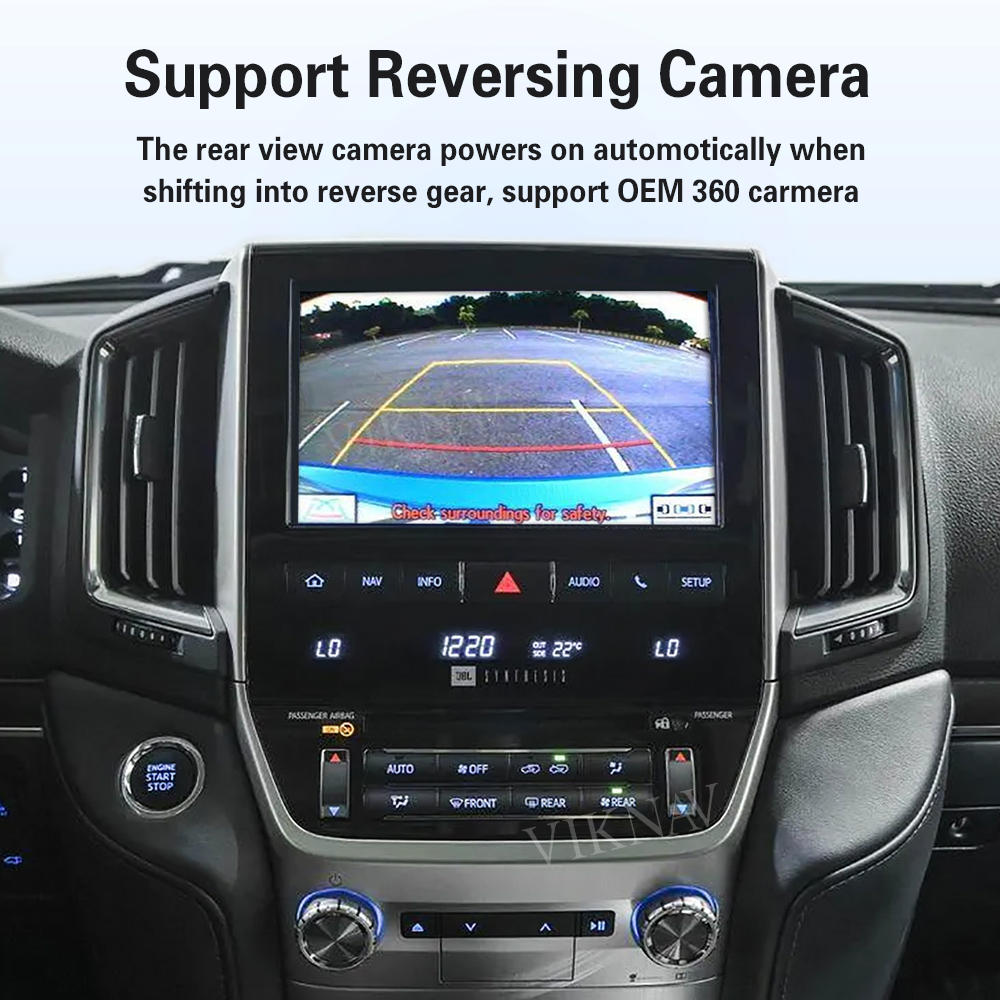
Supports original vehicle control levers and buttons,supports steering wheel control,
rear-view camera, and all original car functions.
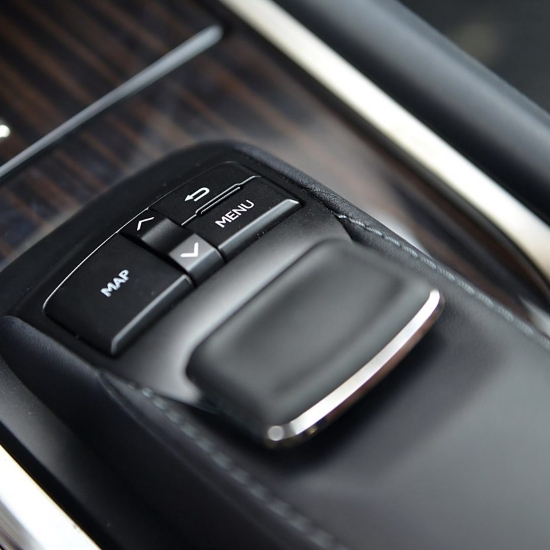
Mouse Joystick
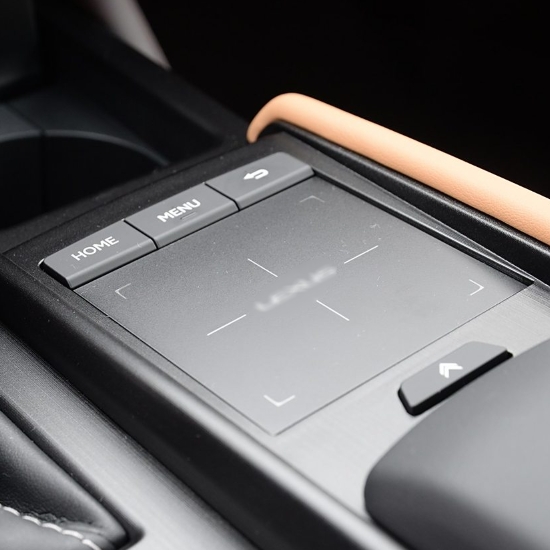
Trackpad
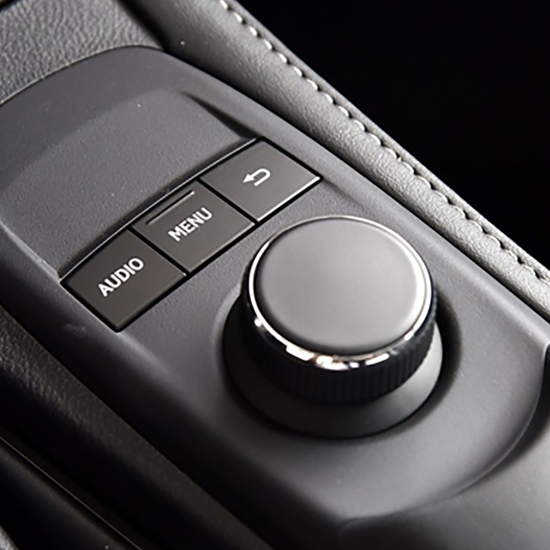
Rotary knob
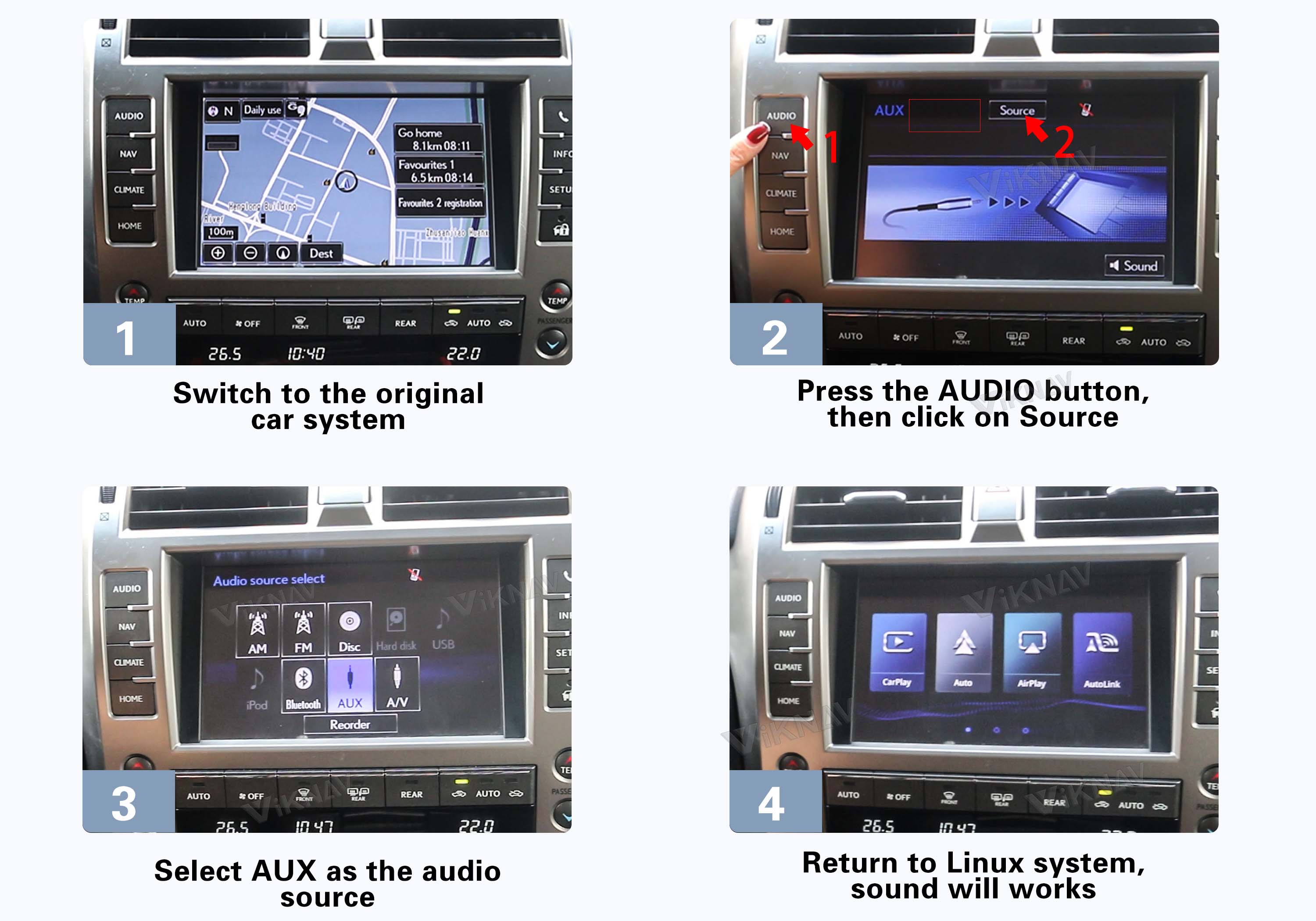
There are two ways to set the audio source for the Linux system: AUX or Bluetooth.
The sound from the Linux system is transmitted through
your car’s original AUX or Bluetooth connection.
Switch the original car system to AUX, then return to the Linux system. Audio will output through the vehicle’s built-in AUX channel.
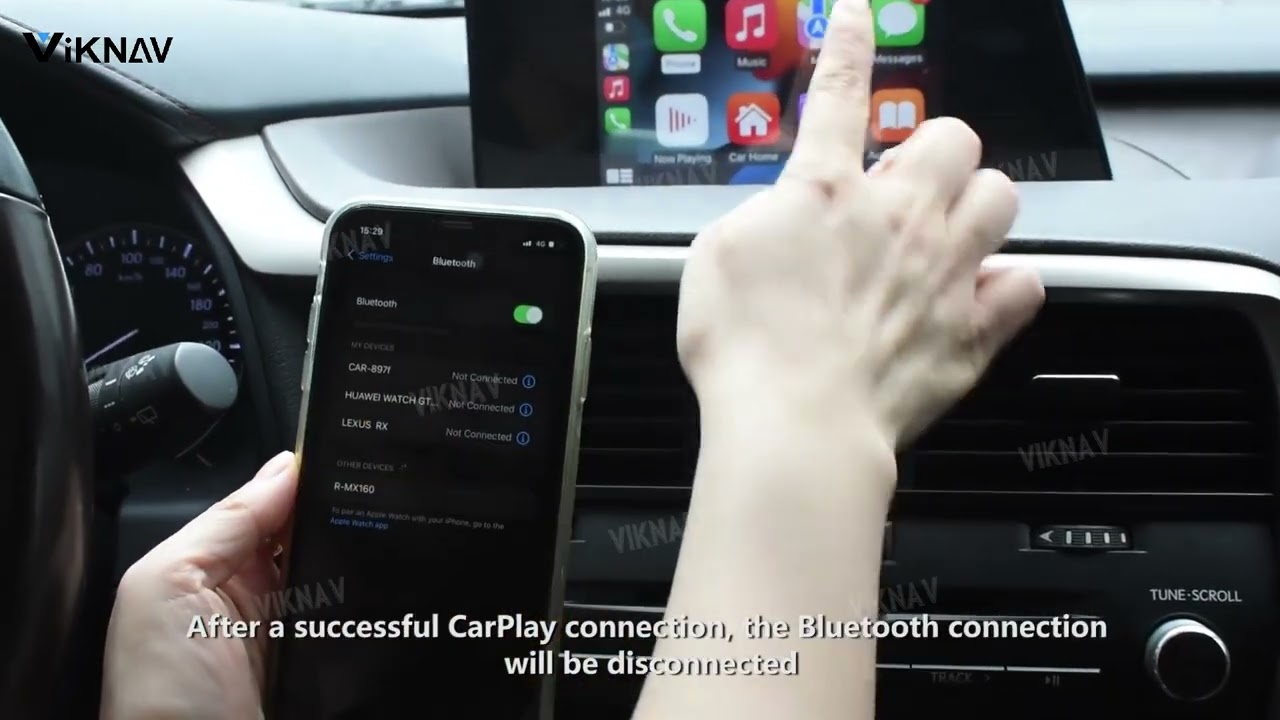
Learn how to set Bluetooth as the audio channel so the Linux system sends sound through the car’s original Bluetooth audio.
Click the video on the right to follow the setup guide.